Hymods Team
January 15, 2026
January 19, 2026
Getting Started with Hymods
Hymods is the marketplace for discovering, downloading, and managing Hytale mods. Use this overview to understand the basics before diving deeper.
Browse and filter mods
- Visit the Browse Mods page to explore everything that's published.
- Use categories to narrow down by gameplay style or content type.
- Sort by newest, updated, and most popular to find what matters now.
Downloading mods
Hymods allows you to download any free mods or mods you have purchased from their mod page.
- Visit the mod page for the mod you would like to download
- If the mod is paid, you must first add the mod to your cart, depending on if the mod is fixed or pay what you want, a different button will be shown to do so.
- For free mods, or mods you have already purchased, click download. This will open a modal where you can download the latest version or select an older version if you'd like.
- We will initiate a download and download the mod. If the mod you're downloading has required dependencies, we will automatically bundle those into a download called "mods.zip"
- Place the mod into your mods folder, if the download was a bundle ("mods.zip") extract the contents of the zip into your mods folder.
Managing dependencies
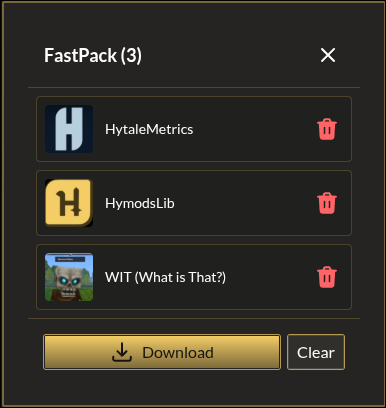
If you plan on installing many mods, we recommend using our FastPack system, this system will automatically find and de-duplicate all mod dependencies for the mods you select for download.
Keep your library updated
Revisit your favorite mods regularly to catch updates, new releases, and patch notes. We're working on automatic update alerting in the near future.