Hymods Team
January 15, 2026
Pricing and Payouts
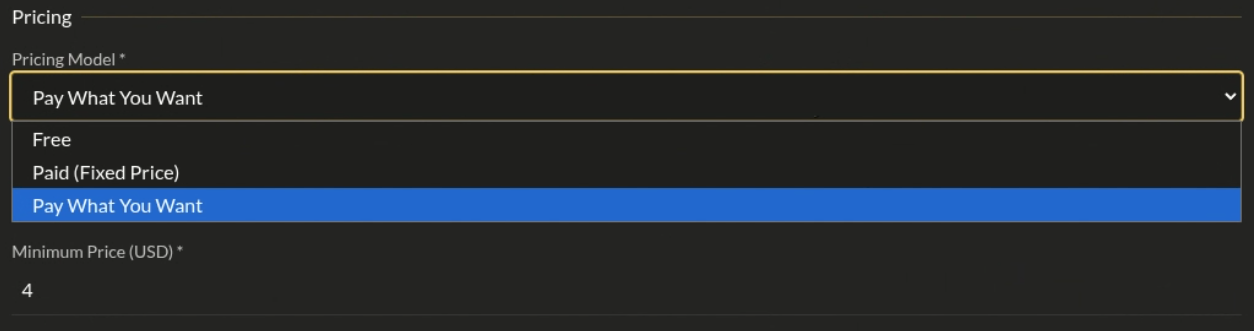
Hymods supports three pricing models for your mods.
Pricing Models
| Model | Description | Minimum | Seller Account Required |
|---|---|---|---|
| Free | No cost to users | — | No |
| Paid | Fixed price | $1.00 USD | Yes |
| Pay What You Want | Users choose amount | $0.00 or $1.00+ | Yes (if min > $0) |
Set your pricing when creating or editing your mod in the General tab.
Setting Up Your Seller Account
Required for paid mods. Takes about 5 minutes.
- Go to Dashboard → Seller Settings
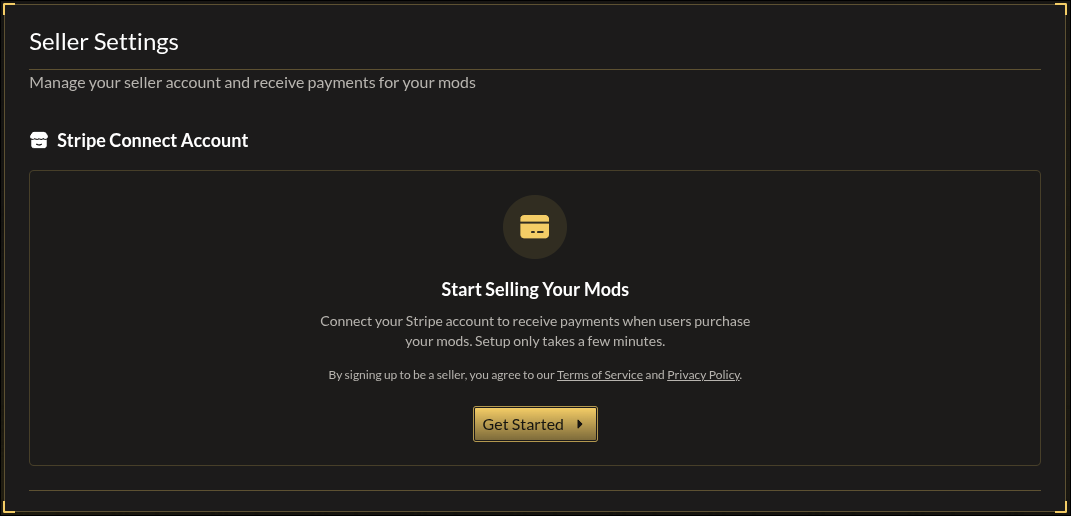
- Click Get Started to create your Stripe Connect account
- Click Complete Onboarding and fill out Stripe's form
- Once your status shows Active, you're ready to sell
Fees
For each sale:
- $0.30 fixed fee — split among sellers in the transaction
- 10% platform fee — deducted from the remaining amount
Single seller example: $10.00 sale → $0.30 fee → $9.70 × 10% = $0.97 → You earn $8.73
Multi-seller example (3 sellers in one $25.00 cart):
| Seller | Mod Price | Fixed Fee Share | After Fixed | Platform Fee (10%) | Earnings |
|---|---|---|---|---|---|
| You | $10.00 | $0.10 | $9.90 | $0.99 | $8.91 |
| Seller B | $10.00 | $0.10 | $9.90 | $0.99 | $8.91 |
| Seller C | $5.00 | $0.10 | $4.90 | $0.49 | $4.41 |
Payouts
- Schedule: Weekly on Mondays
- Delay: 7 days after sale (for refunds/disputes)
- Method: Direct to your bank via Stripe
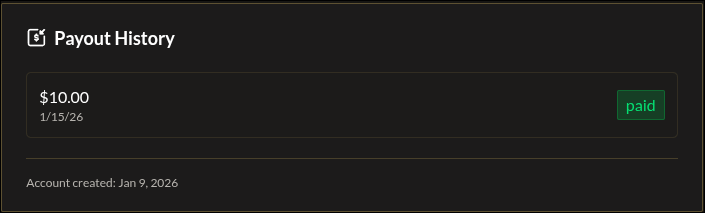
View your payout history in Seller Settings.
Quick Tips
- Start free to build an audience, then introduce paid content
- Use Pay What You Want to let fans support you while keeping mods accessible
- Check your Stripe dashboard for detailed transaction history