Hymods Team
January 15, 2026
January 16, 2026
Publishing Your First Mod
To publish a mod on Hymods, you need to create a listing, upload at least one version, and click publish.
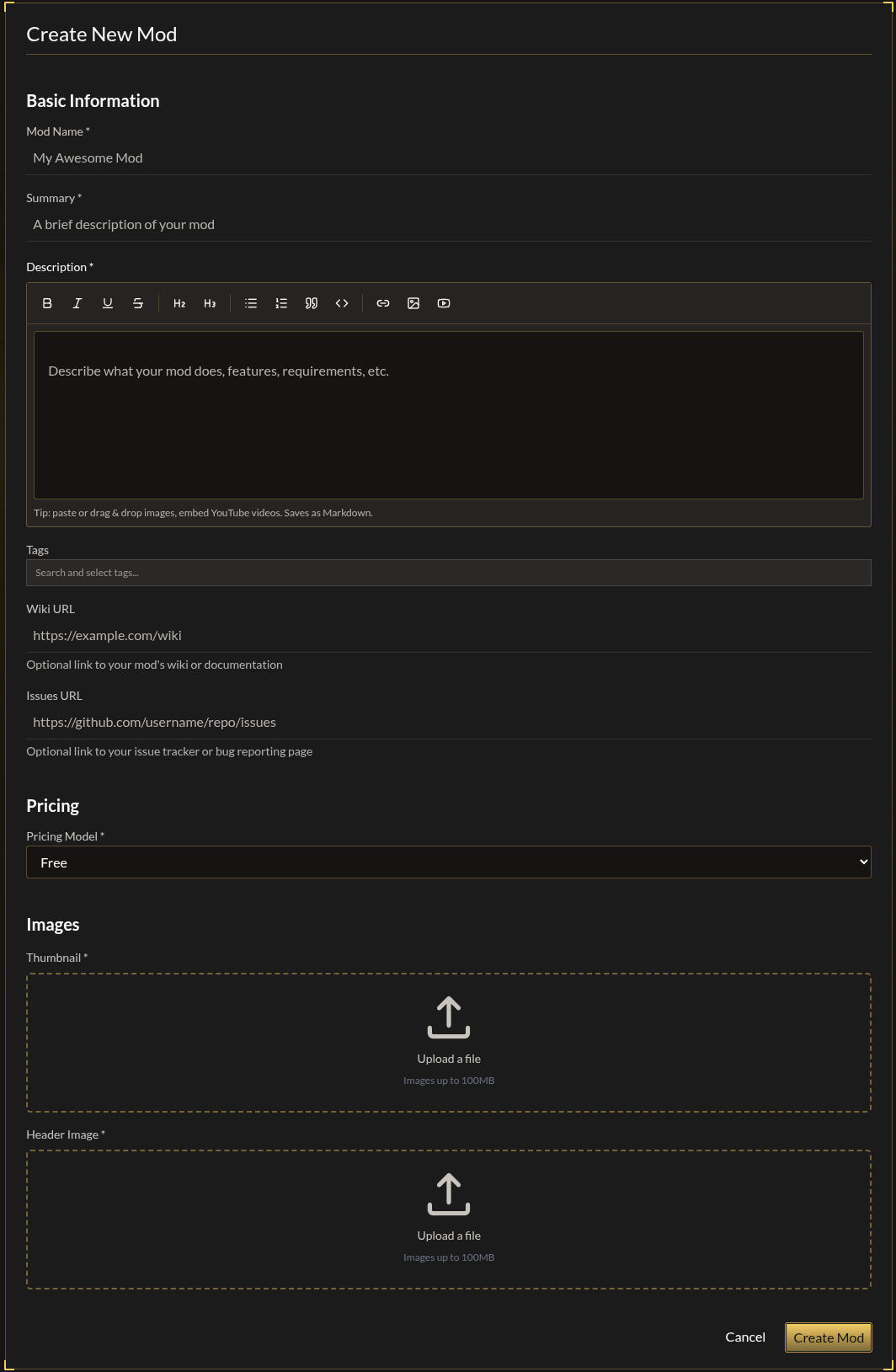
Step 1: Create Your Mod
- Go to Dashboard → Your Mods → Create Mod
- Fill out the required fields:
| Field | Required | Notes |
|---|---|---|
| Name | Yes | Max 64 characters |
| Summary | Yes | Max 200 characters, shown in listings |
| Description | Yes | Full description with rich text |
| Tags | No | Help users discover your mod |
| Pricing | Yes | Free, Paid ($1+ USD), or Pay What You Want |
| Thumbnail | Yes | Square image (1:1) |
| Header Image | Yes | Wide banner (11:3) |
- Click Create Mod
Step 2: Upload a Version
You must upload at least one version before publishing.
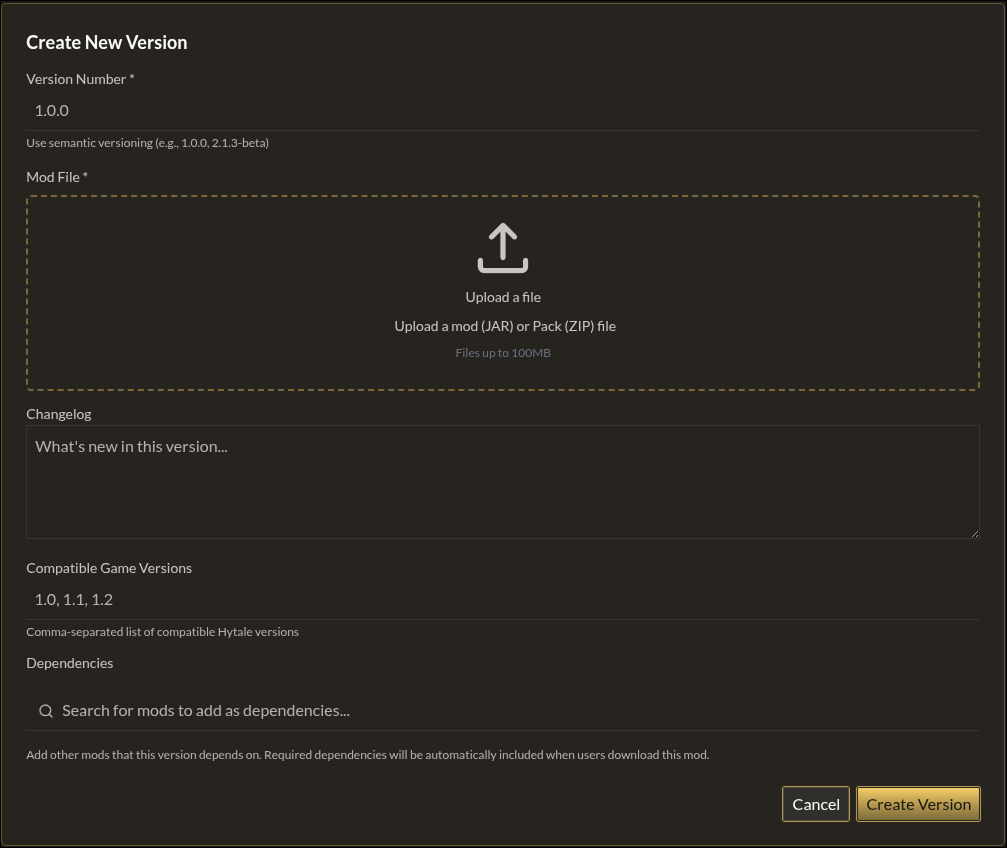
- Go to your mod's Versions tab
- Click Create New Version
- Enter a version number (e.g.,
1.0.0) - Upload your mod file (
.jaror.zip, max 100MB) - Optionally add changelog and dependencies
- Click Create Version
Step 3: Publish
- Go to your mod's management page
- Check the Actions panel on the right
- Click Publish Mod
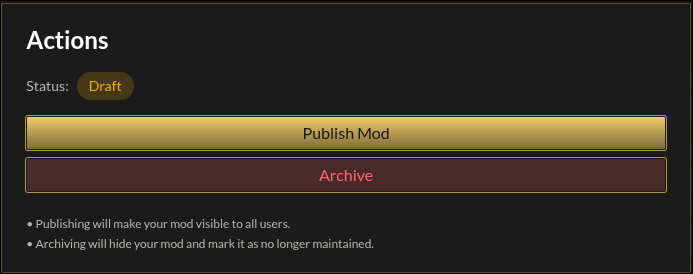
Your mod is now live and visible to all users.
Requirements Checklist
Before publishing, ensure you have:
- ✅ Name, summary, and description
- ✅ Thumbnail and header image
- ✅ At least one version uploaded
- ✅ Valid pricing (if paid)
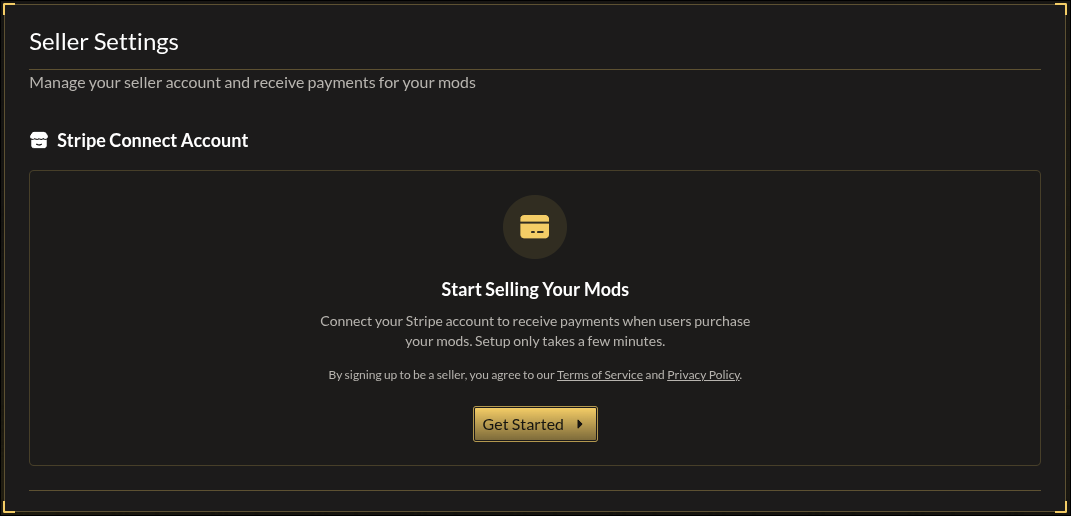
- ✅ Stripe seller account (if paid) — see Pricing & Payouts
Managing Your Mod
After publishing, you can:
- Edit details anytime in the General tab
- Upload new versions in the Versions tab
- Unpublish to temporarily hide your mod
- Archive if you're no longer maintaining it
All changes take effect immediately.